9 Best WhatsApp Customer Service Tools for Quick Resolution
Compare Zixflow, Kapture CX, Hiver Omni, Gorgias, eDesk, Chatwoot, Superchat, and Helpwise to find the right WhatsApp customer service tool.
 by Sahil Tyagi

WhatsApp customer service tools let multiple agents handle WhatsApp support from one business number, with chat assignment, shared history, and automation. These tools connect through Meta's official WhatsApp Business Platform.
- Zixflow: Support and engagement across WhatsApp, RCS, SMS, and email on one customer profile
- Kapture CX: Enterprise ticketing for large support teams in India and Southeast Asia
- Hiver Omni: B2B teams whose support still runs mostly on email
- Gorgias: Shopify and e-commerce brands that need order data in every chat
- eDesk: Sellers managing messages across marketplaces like Amazon and eBay
- Chatwoot: Open-source shared inbox for teams that want self-hosting
- Superchat: GDPR-friendly messaging for European SMBs
- Helpwise: Simple, affordable shared inbox for small teams
- Crisp: Small teams that prefer per-workspace pricing
Customers don't want to wait on hold anymore. About 70% of shoppers say waiting on hold is a waste of time. And 66.8% feel frustrated when messaging isn't offered as a way to contact a business.
So they send a quick message instead. For a lot of them, that message goes out on WhatsApp.
That puts pressure on support teams. A single phone running the WhatsApp Business app works fine for a handful of chats a day.
However, things change once several agents need to answer hundreds of chats. At that point, you need a proper tool that helps your team share the load and keep track of every chat. It can also take care of repetitive questions for you.
Most "best tools" lists recommend the same handful of names. That's why in this guide, I've looked further and covered 9 WhatsApp customer service tools. For each one, you'll see what it does best, where it falls short, and what it costs.
Why not just use the WhatsApp Business app?
The free WhatsApp Business app is enough for very small teams, but it stops working once several agents share the load. It gives you quick replies, labels, and an away message.
However, the app is built for a small team working from a few devices. It doesn't give you proper chat assignments or team reports, and it won't connect deeply with your other systems.
That's where a WhatsApp shared inbox with multi-agent access comes in.
How did I choose these tools for this blog?
I picked tools that connect to WhatsApp through Meta's official platform and are built for support teams that need to handle hundreds of customer inquiries each day. I also looked past the usual names to find strong options that most comparison lists skip.
Here's what each tool had to meet to be showcased on thighs list:
Official WhatsApp platform support
Every tool here connects to WhatsApp through Meta's official Business Platform. That matters because unofficial workarounds can get your number banned. I checked each vendor's own documentation or pricing page to confirm how WhatsApp is supported and which plan it's on.
Built for support teams
I looked for features that support teams use every day. The basics are a shared inbox and chat assignment. Beyond those, I checked for internal notes, saved replies, and reporting. Tools built mainly for WhatsApp marketing broadcasts didn't make the cut.
Transparent pricing
Where vendors publish their prices, I've listed them. Where they don't, I've explained how pricing works so you know what to ask. Prices change often, so always confirm the latest figures on the vendor's site.
Fit for different teams
Each tool on this list suits a different kind of business. Some are built for e-commerce brands while others suit B2B support teams, enterprises, or teams that want to self-host. This way, you're more likely to find one that fits your situation.
WhatsApp customer service tools at a glance
The table below compares these tools on who they suit, how they include WhatsApp, and what they cost.
| Tool | Best for | WhatsApp access | Starting price | Pricing model |
|---|---|---|---|---|
| Zixflow | Support and engagement across WhatsApp, RCS, SMS and email | Built in | Free tier; paid plans from $49/month | Plan-based |
| Kapture CX | Large support teams in India and Southeast Asia | Built in | Quote-based | Custom |
| Hiver Omni | B2B teams that also live in email | Available in Hiver Omni (plan not stated) | $25/user/month (annual) | Per user |
| Gorgias | Shopify and ecommerce brands | All helpdesk plans, billed as tickets | Varies by ticket volume | Per ticket |
| eDesk | Sellers on marketplaces like Amazon and eBay | All plans, $50/number/month | Varies by plan | Per plan plus WhatsApp add-on |
| Chatwoot | Teams that want open-source or self-hosting | Paid plans | $19/agent/month | Per agent |
| Superchat | European SMBs that need GDPR-friendly messaging | All plans | €149/month | Per plan, 12-month minimum |
| Helpwise | Small teams that want a simple shared inbox | Premium plan and above | 29/user/month(23 annual) | Per user |
| Crisp | Small teams that prefer per-workspace pricing | Essentials plan and above | $95/workspace/month | Per workspace |
Best WhatsApp customer service tools for 2026
Here are some of the best WhatsApp customer service tools with each entry below covering what the tool does, its pros and cons, recent changes, and pricing. Zixflow Zixflow is an AI-first customer engagement platform built on one customer profile. WhatsApp, RCS, and SMS all connect to that profile and so do email and push notifications. For support teams, that means every conversation sits in Threads, with the customer's full history right next to it.
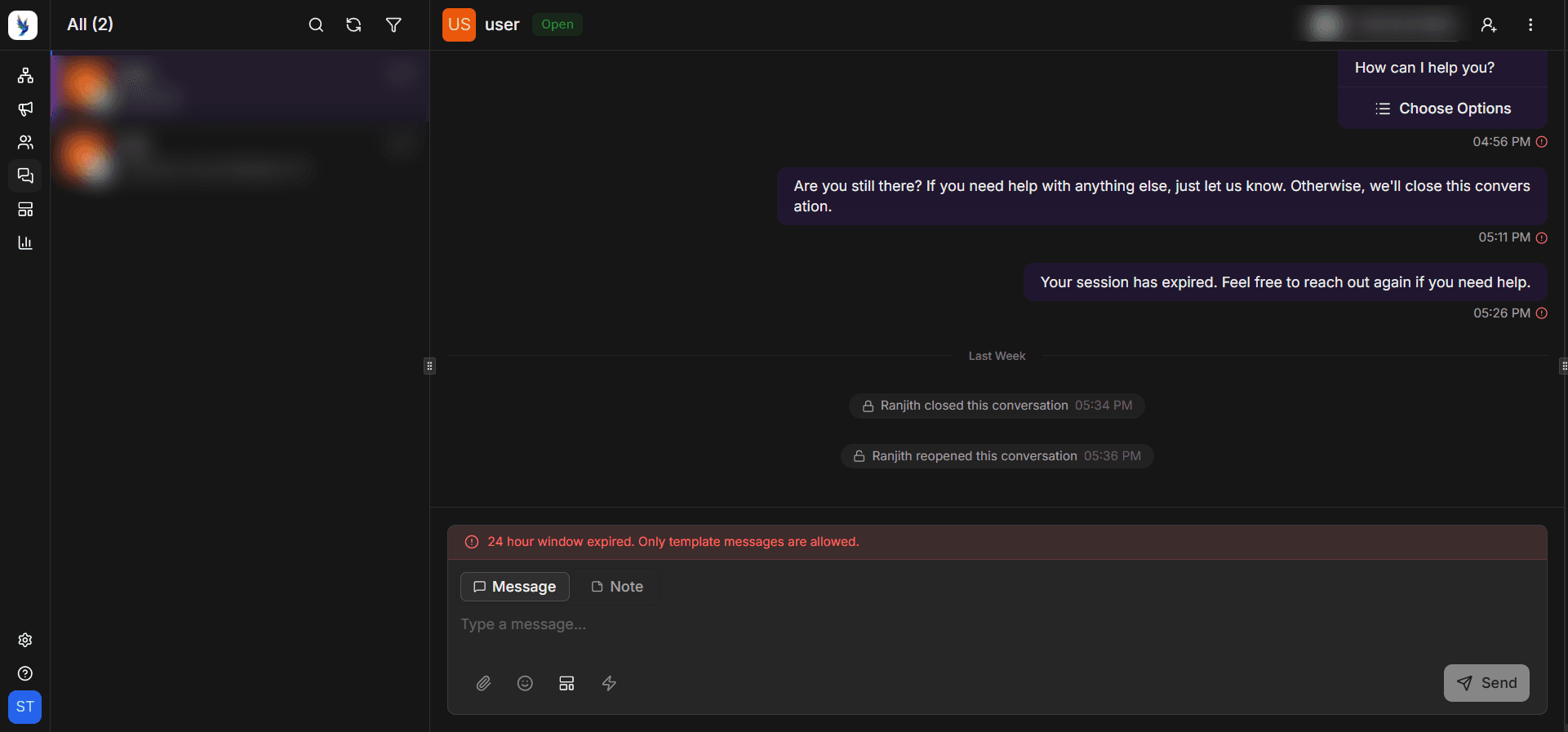
What makes Zixflow different from a typical help desk is that support and engagement live in the same place. Your team can answer a WhatsApp question then trigger an automated follow-up journey from the same profile. For example, a resolved complaint can move a customer into a feedback or win-back flow automatically.
It also handles the moments when WhatsApp doesn't get through. If a critical message like an OTP or delivery update fails on one channel, Sendflow can move it to the next one. That way, important updates still reach customers who aren't on WhatsApp or are temporarily offline.
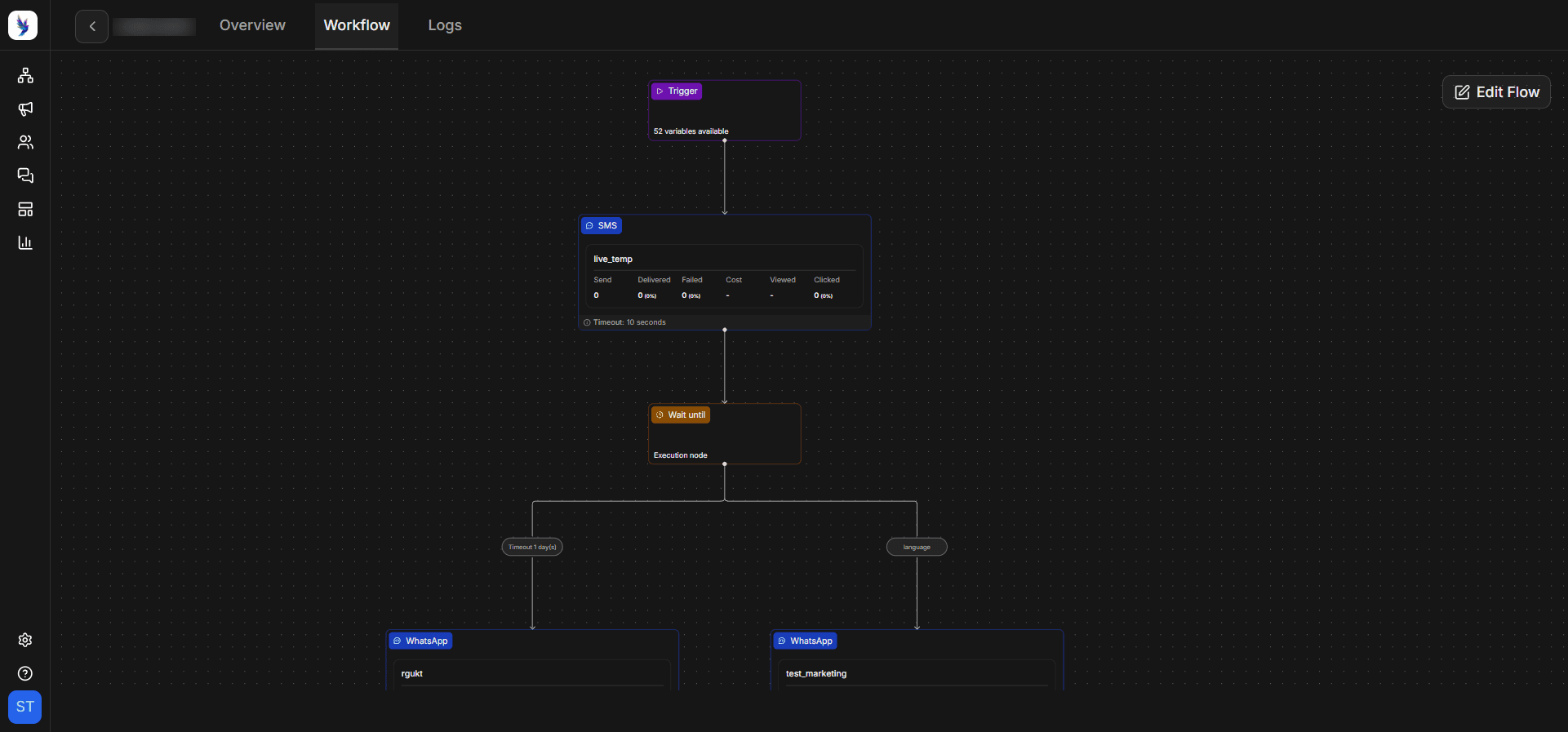
On top of that, you can build chatbots and guided flows that answer common questions before they reach an agent. For instance, Dabur runs WhatsApp journeys on Zixflow for feedback surveys, appointment booking, and service updates.
Best suited for
Zixflow is best for B2C brands, fintechs, and consumer apps that handle support on WhatsApp, especially teams that also send order updates and reminders on other channels. It's a strong fit for businesses in India that rely on WhatsApp along with RCS and SMS together.
Pros
- One shared inbox for WhatsApp, RCS, SMS, push, and emails
- Support and automated journeys on the same customer profile
- Fallback across channels for critical messages
Cons
- In-app messaging and Instagram are still coming soon
- Teams that mainly need email ticketing with complex SLA rules may prefer a dedicated helpdesk
Recent changes
Zixflow has reorganized its platform into Broadcast, Sendflow, Engage+, Threads, and AudienceIQ. Push notifications and Truecaller verification are now available alongside other outreach channels.
Pricing
Zixflow has a free tier that needs no credit card, and paid plans start at $49/month. You can create a free account to test it first or talk to the sales team for a personalized demo.
Kapture CX
Built in India, Kapture CX serves large support operations that deal with high ticket volumes every day. WhatsApp is one channel in a wider platform that also covers email, voice, chat, and social channels.
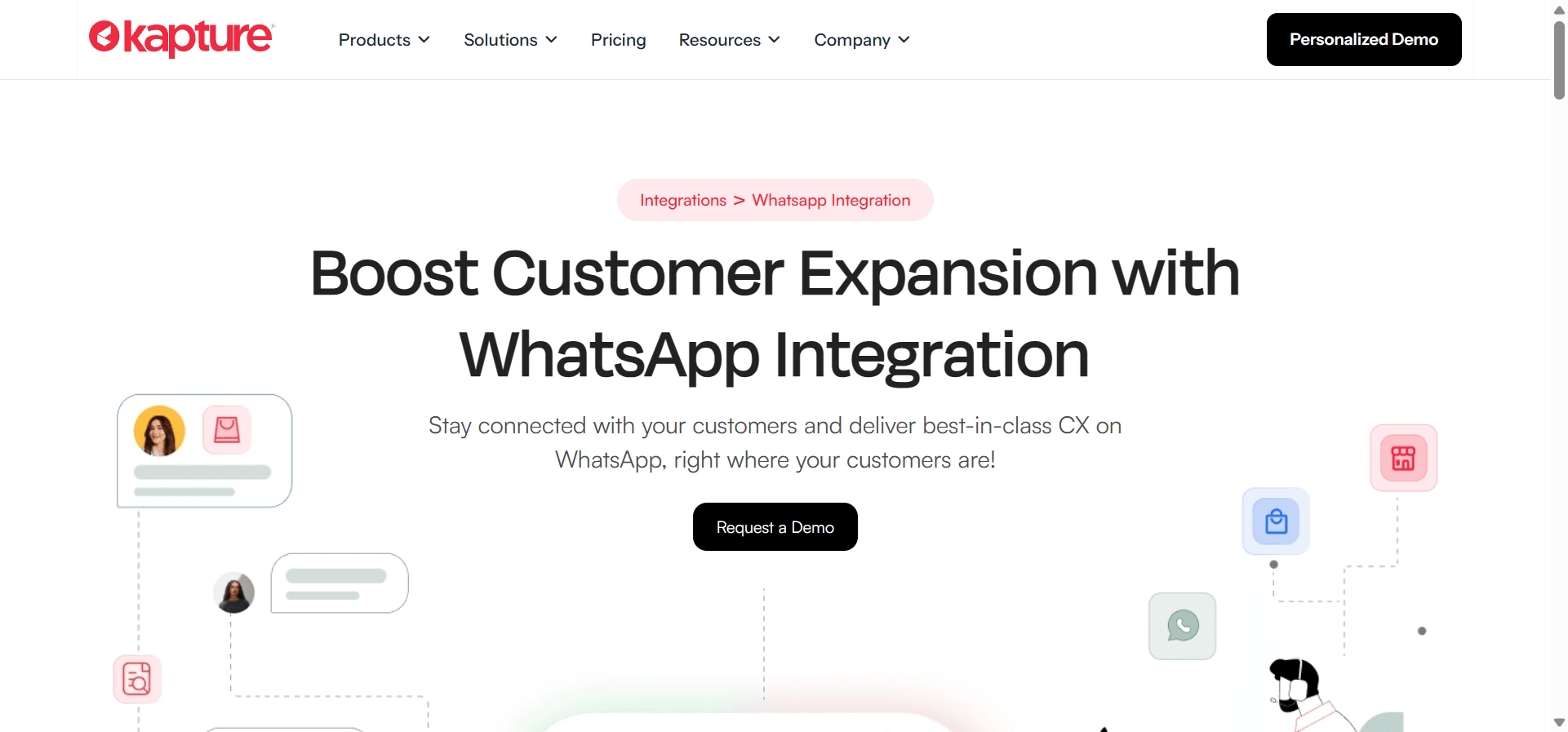
Kapture's WhatsApp chatbots can create support tickets on their own. For example, INCLUD started using a WhatsApp Flow-based chatbot on Kapture to handle structured customer chats and automate ticket creation. Its team then manages and resolves those tickets in Kapture's Agent Workspace.
Best suited for
Kapture CX is best for mid-sized and large companies that need enterprise-grade ticketing across many channels. WhatsApp is one of those channels, not the whole story.
Pros
- Drag-and-drop builder for WhatsApp chatbots
- Routing that assigns each query to the right agent
- Large integration library, which Kapture puts at more than 1,000 enterprise APIs
Cons
- Built for large teams, so small businesses may find it more than they need
- Pricing isn't published, so you'll need a sales conversation to get a quote
Recent changes
I couldn't find dated product launches from Kapture CX in 2026. Its press releases from this year cover company growth rather than new features.
Pricing
Kapture CX doesn't publish its pricing. You'll need to request a demo or a quote based on your team size and channels.
Hiver Omni
Hiver started as a way to turn Gmail into a helpdesk. Its newer product, Hiver Omni, goes further as a standalone platform that puts email, live chat, voice, and WhatsApp in one workspace.
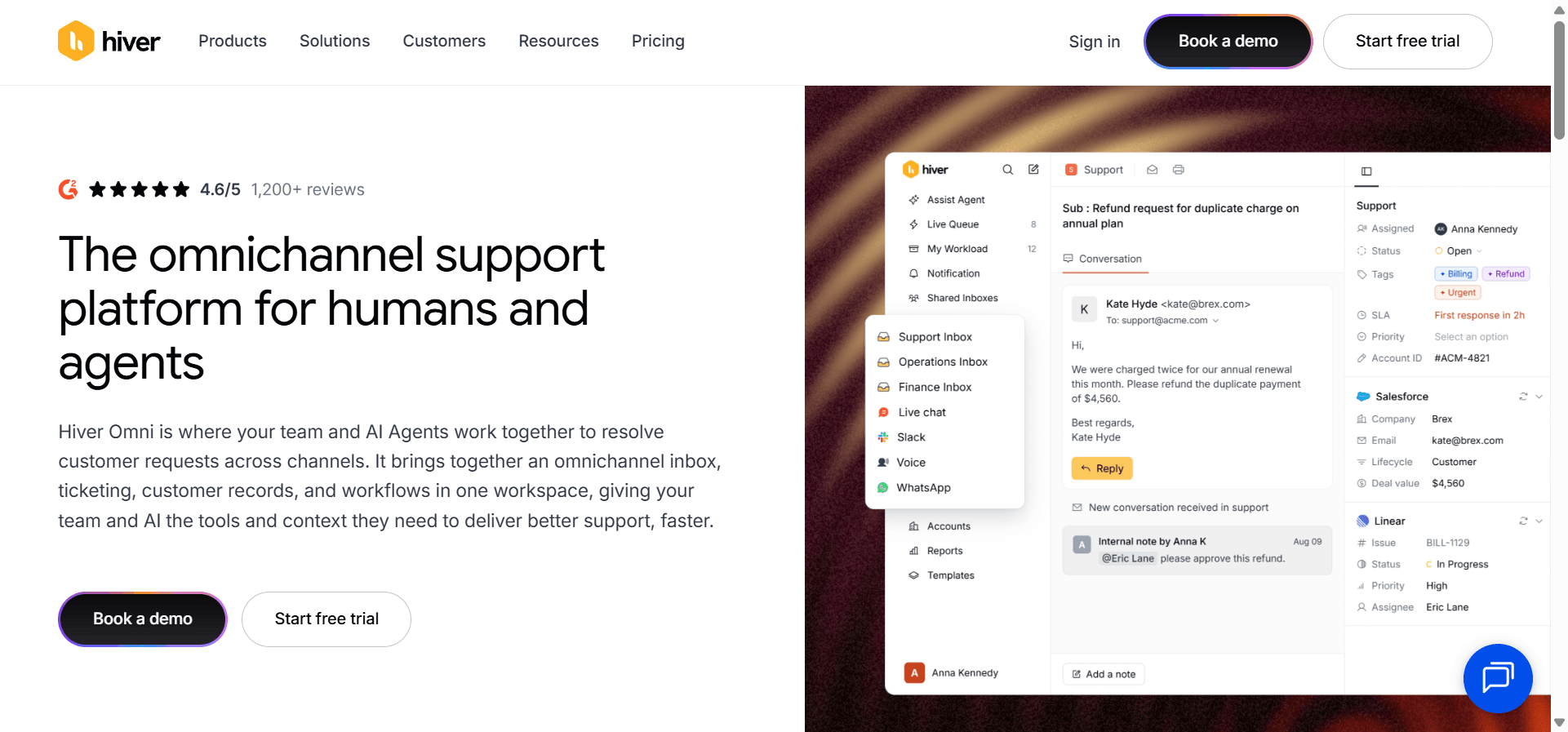
Collaboration is where Hiver stands out. Agents can add private notes and share drafts before replying. This helps a lot in B2B support, where a single customer question often needs input from another team, like sales or finance.
Hiver also offers AI features that help agents draft replies and summarize long threads, so check which ones come with your plan before you sign up.
Best suited for
Hiver Omni is best for B2B companies whose support still runs mostly on email. It lets them add WhatsApp without moving to a separate tool.
Pros
- AI Agents that can resolve customer requests on WhatsApp
- 7-day free trial of the Elite plan, with no credit card needed
- Voice available as an add-on in the same workspace
Cons
- WhatsApp support is still expanding, with notes, custom fields, SLAs, and automations for WhatsApp chats listed as coming soon in September 2026
- All plans start at two seats, so solo users pay for more than they need
Recent changes
Hiver added WhatsApp to Hiver Omni in its August 2026 product update. The same update brought new AI features, including Skills, AI Topics, and an AI Help Center Builder.
Pricing
Hiver Omni's Growth plan costs $25 per user per month on annual billing, or $35 monthly. Pro costs $55 and Elite costs $85 per user per month on annual billing. The pricing page doesn't say which plans include WhatsApp or whether it costs extra, so confirm with Hiver.
Looking for One Inbox for WhatsApp, SMS, and Email?
how Zixflow brings your WhatsApp support and customer journeys together on one profile.
Talk to ExpertsGorgias
Shopify brands make up most of Gorgias's customer base, and the helpdesk is built around them. It pulls order details into every conversation, so agents can check an order or issue a refund without leaving the chat.
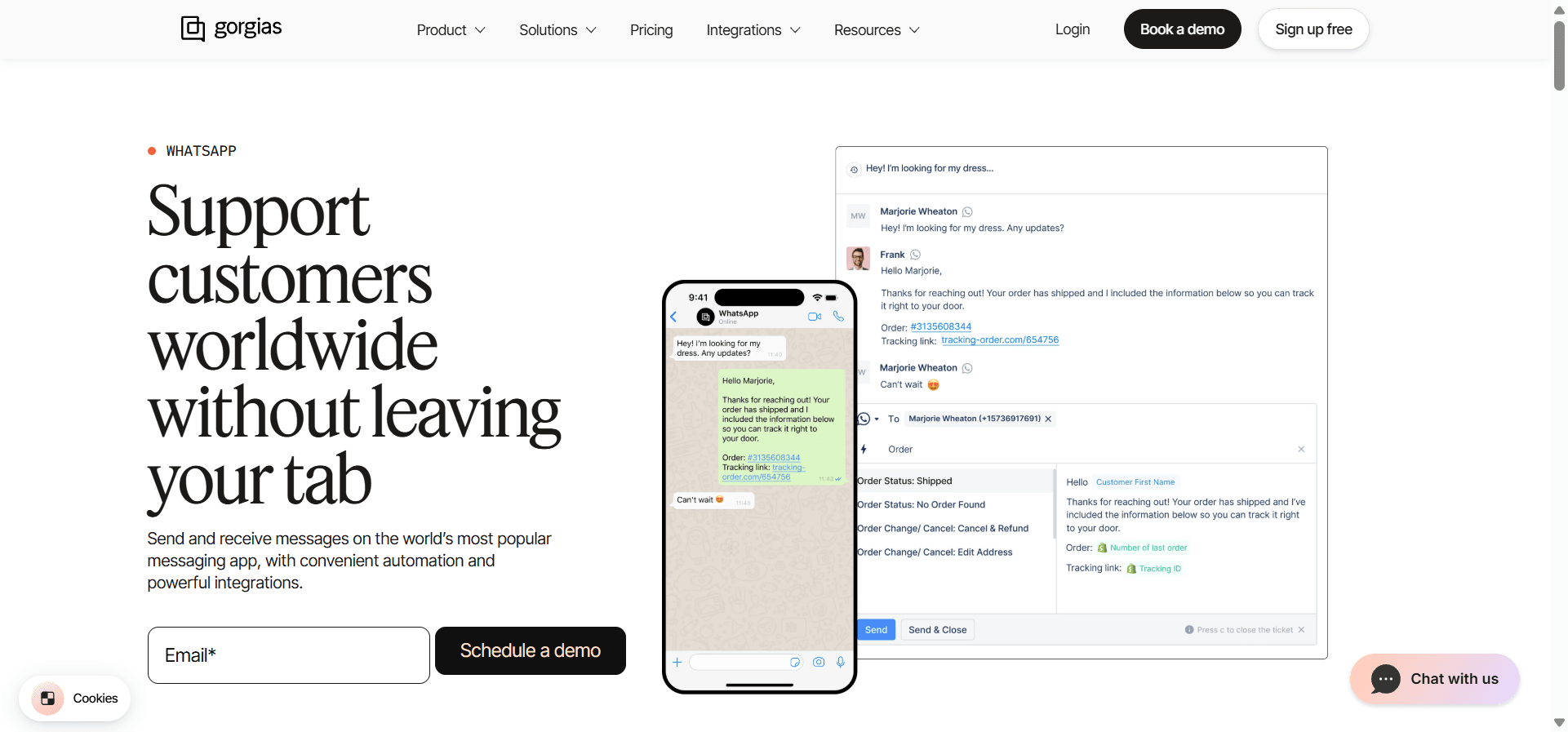
WhatsApp is a channel inside the Gorgias helpdesk. When you connect it, Gorgias imports your existing message templates and creates a dedicated view for WhatsApp tickets. Its AI agent can resolve tickets without a human.
Best suited for
Gorgias is best for Shopify and other e-commerce brands that want WhatsApp support tightly connected to their order data.
Pros
- Deep integration with Shopify and other e-commerce platforms
- Agents can act on orders without leaving the conversation
- No separate Meta bill for WhatsApp
Cons
- Built for e-commerce, so service or B2B teams get little from its order tools
- Translation and the SMS AI agent were still in beta in the Spring 2026 release
Recent changes
Gorgias's Spring 2026 release added automatic translation of customer messages inside tickets (beta). It also extended its AI Agent to SMS (beta).
Pricing
Gorgias prices its helpdesk by monthly ticket volume rather than per agent. A ticket counts once your team replies to it, including WhatsApp tickets. Meta bills Gorgias for WhatsApp charges and Gorgias passes them on to you as helpdesk tickets.
In addition to that, AI Agent adds an outcome-based fee when it resolves a ticket without a human. Check the Gorgias pricing page for the tier that matches your volume.
eDesk
For online sellers on marketplaces like Amazon and eBay, eDesk is a helpdesk that brings marketplace messages, emails, and WhatsApp into one inbox. Each conversation comes with its order details attached.
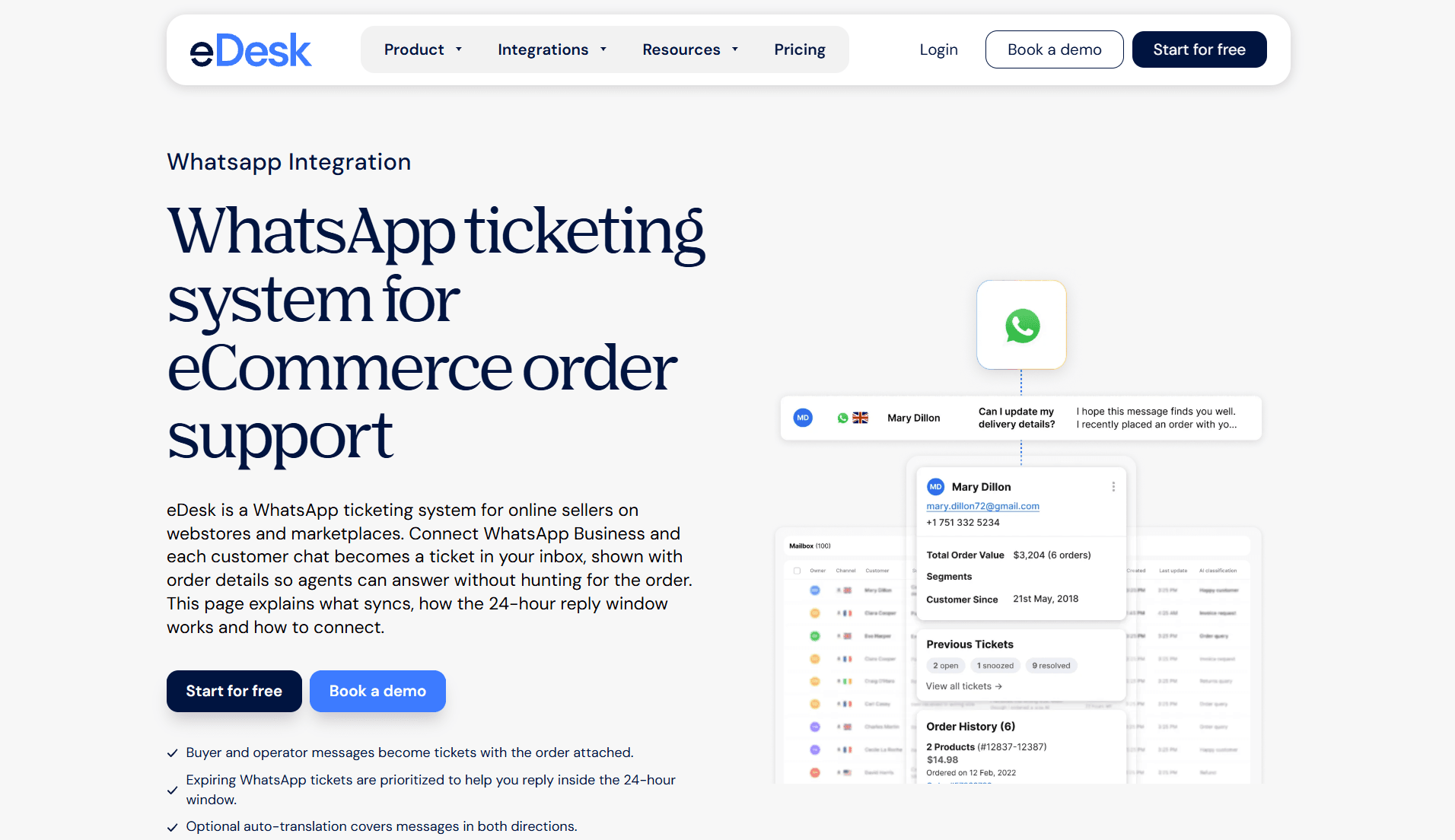
For marketplace sellers, this is a big time saver. Instead of logging into each marketplace separately, agents work from a single queue. And because the order sits right next to the message, they don't need to switch tabs to answer "where is my order?" questions.
Best suited for
eDesk is best for e-commerce sellers who manage customer messages across several marketplaces and want WhatsApp in the same queue.
Pros
- Built for marketplace sellers on Amazon, eBay, and more
- Order details attached to every conversation
- WhatsApp available on all plans
Cons
- Can't start WhatsApp conversations. eDesk's help docs say business-initiated chats need message templates, which eDesk doesn't support yet, so it suits replies but not proactive updates.
- WhatsApp costs extra on top of your plan
Recent changes
eDesk's September 2026 update added outcome webhooks to its AI Agent. It also added a Trustpilot integration that brings reviews into the mailbox.
Pricing
eDesk charges a flat $50 per month for each connected WhatsApp number on top of your plan, and it's available on all plans. You also pay Meta's rates once you go past the first 1,000 free messages each month.
Chatwoot
Chatwoot is open source, so you can use its cloud version or run it on your own servers. Either way, WhatsApp sits in one shared inbox with email, live chat, and social channels.
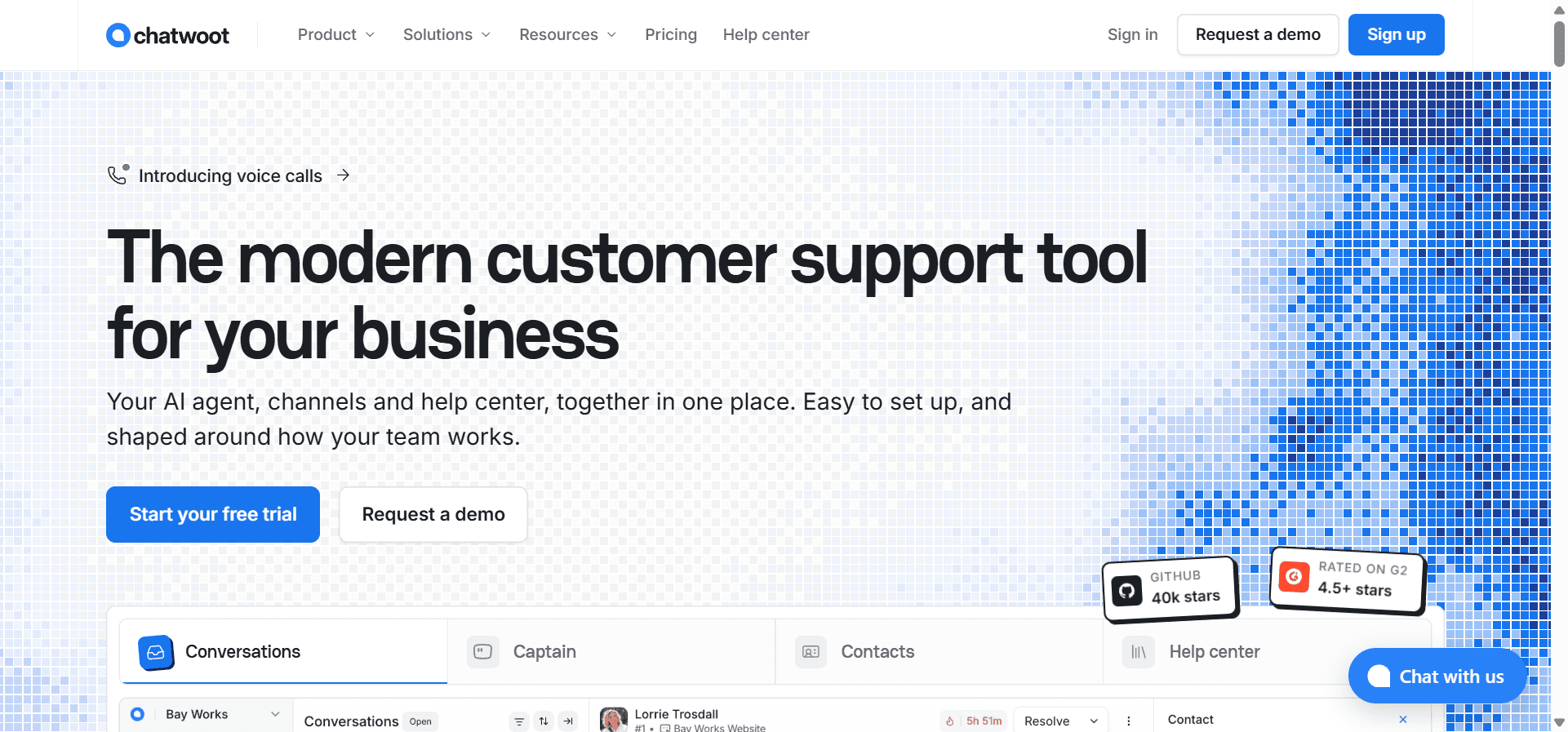
Self-hosting is Chatwoot's biggest draw. Teams with strict data rules can keep every customer conversation on their own servers. Developers can also customize it in ways closed platforms don't allow.
Best suited for
Chatwoot is best for tech-savvy teams that want full control over their data. Or growing teams that want an affordable, flexible shared inbox.
Pros
- All channels, including WhatsApp, on the $19 Startups plan
- Captain AI assistant, with 300 AI credits a month on Startups
- 15-day free trial of the cloud version
Cons
- The free plan covers live chat only, so WhatsApp needs a paid plan
- Self-hosting needs technical skills to set up and maintain
- The cloud version is hosted in the United States
Recent changes
In November 2026, Chatwoot let agents send approved WhatsApp templates from its mobile app, including after the 24-hour window. The same release added WhatsApp calling on mobile, with a call-back option for missed calls.
Pricing
Chatwoot Cloud starts at $19 per agent per month on the Startups plan. Business costs $39 and Enterprise costs $99 per agent per month. A free plan is available for up to two agents, but it covers live chat only.
Never Miss a Critical Update.
Zixflow's Sendflow moves OTPs and delivery updates to the next channel when a WhatsApp message doesn't get through.
Try it for FreeSuperchat
Founded in Germany, Superchat is a messaging platform popular with small and mid-sized European businesses. It brings WhatsApp, Instagram, and SMS into one inbox, along with email and web chat.
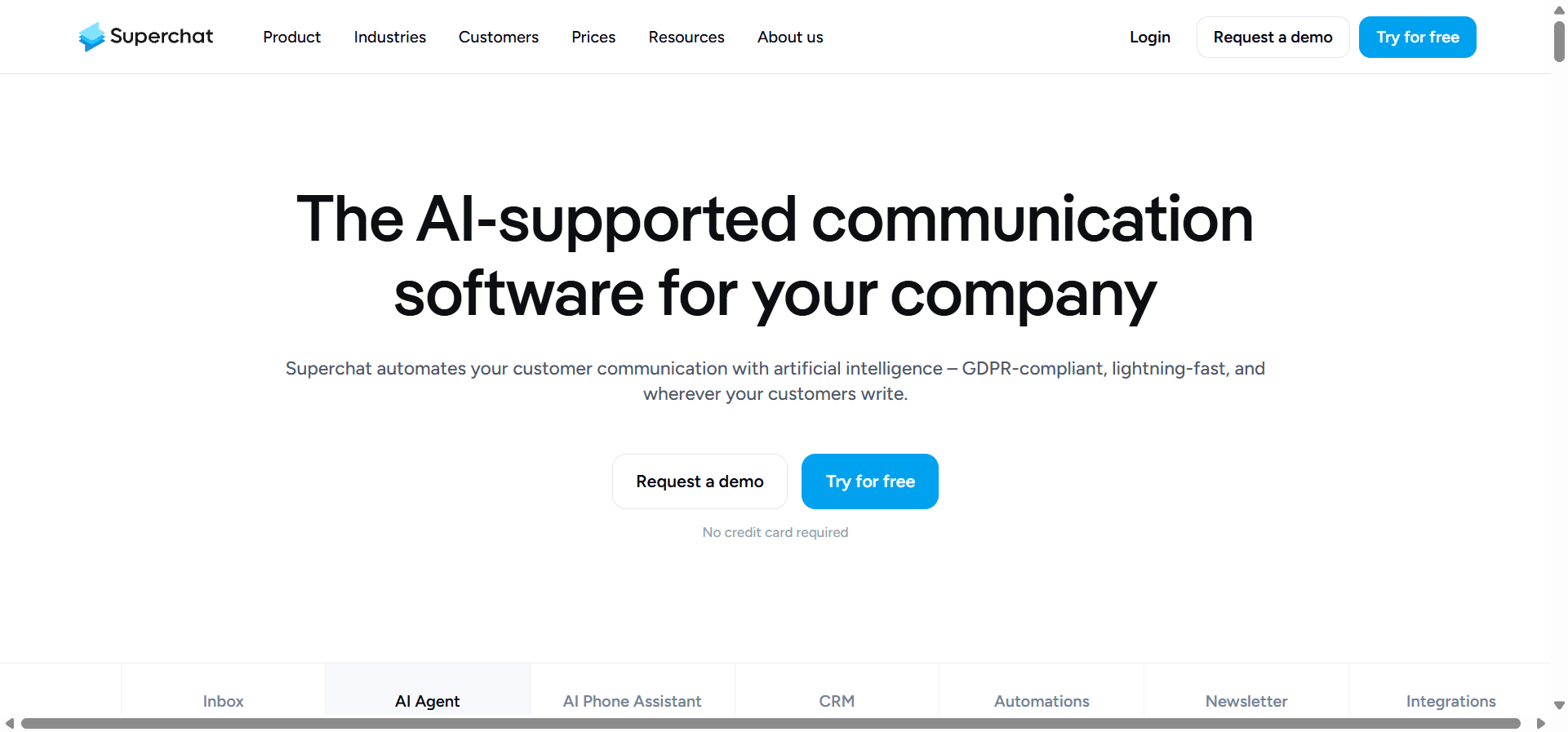
Its focus on Europe is a real advantage for businesses that care about data protection. It is hosted in Frankfurt and stores all customer data encrypted on servers in the EU. It also offers a data processing agreement under Article 28 of GDPR.
Best suited for
Superchat is best for small and mid-sized businesses in Europe that want a GDPR-friendly way to handle messages from several channels.
Pros
- ISO 27001 certified
- Several WhatsApp numbers on each plan: 2 on Professional, 4 on Advanced, and 6 on Premium
- Superchat says customer data isn't used to train AI models
Cons
- Pricing is in euros, with a 12-month minimum contract
- AI Copilot and extra AI agents cost extra on every plan
Recent changes
From October 2026, Superchat doubled its monthly bonus credit to cover Meta's new charges for service messages. Its AI Agent also started grouping customer messages and detecting reply loops automatically.
Pricing
Superchat's Professional plan costs €149 per month, Advanced costs €299, and Premium costs €799. Prices are net, with a 12-month minimum contract, and a Custom plan is available on request. Check Superchat's plans page for what each plan includes.
Helpwise
Small and growing teams are Helpwise's target users. It's a shared inbox for email, WhatsApp, SMS, and live chat that is quick to set up.
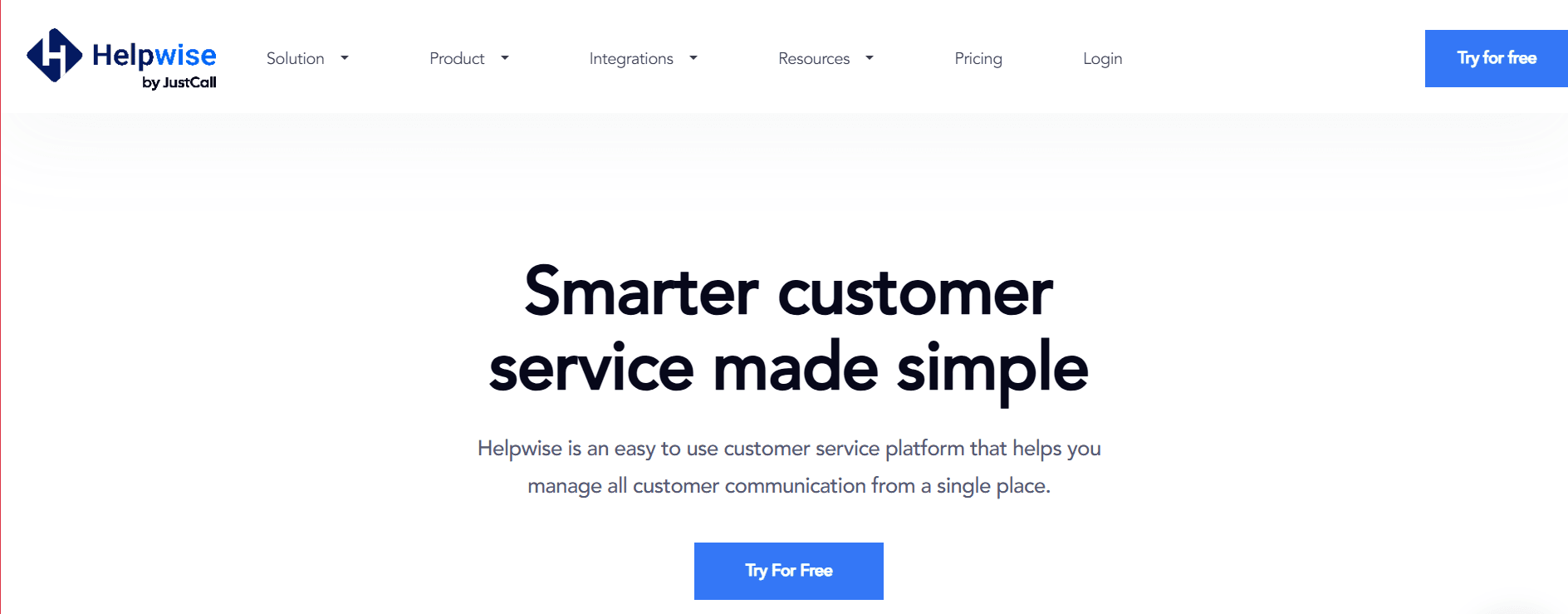
Helpwise focuses on team collaboration. Agents can leave notes and mention teammates. They can also see when someone else is already replying, which prevents duplicate answers.
It's a good fit for teams that want more than the WhatsApp Business app but don't need a heavy enterprise helpdesk.
Best suited for
Helpwise is best for small and growing teams that want a simple, affordable shared inbox for WhatsApp and email.
Pros
- WhatsApp, SMS, calling, and Instagram all included from the Premium plan
- 7-day free trial with no credit card needed
- Annual billing saves 20%
Cons
- WhatsApp isn't included on the entry-level Standard plan
- Every plan requires at least two users
Recent changes
I couldn't find dated product announcements from Helpwise in 2025 or 2026.
Pricing
Helpwise includes WhatsApp from its Premium plan at $29 per user per month billed monthly, or $23 billed annually. The Advanced plan costs $49 per user per month, or $39 annually, with a minimum of three users. The Standard plan at $15 per user doesn't include WhatsApp.
Crisp
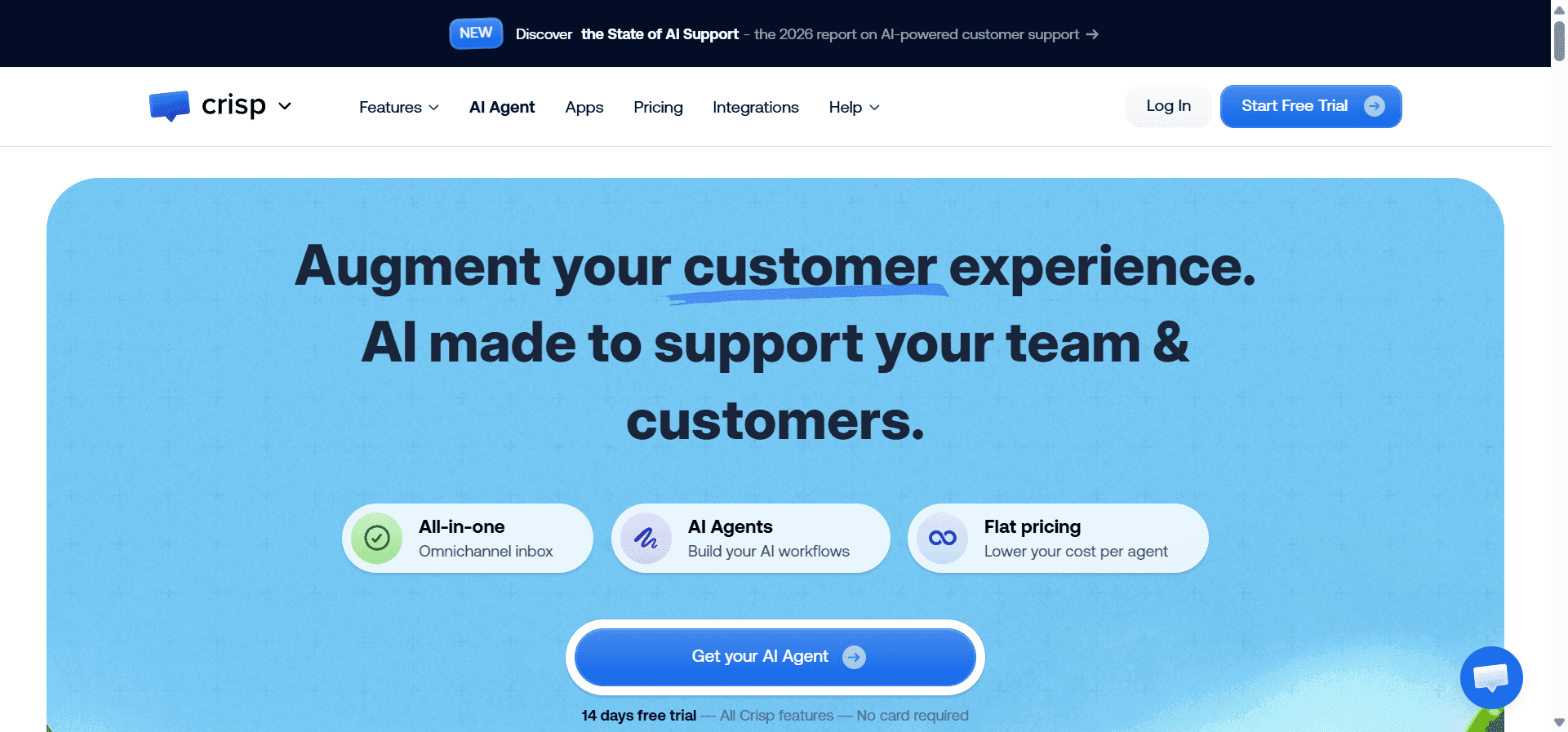
Crisp began in France as a live chat tool and grew into a full support suite. Today, it connects WhatsApp, Instagram, email, and web chat to one shared inbox.
Best suited for
Crisp is best for small teams that want an all-around support tool with predictable, per-workspace pricing instead of paying for every agent.
Pros
- Omnichannel inbox that also covers SMS, Line, and Viber from Essentials
- 14-day free trial of any plan, with no card needed
- Free plan available for basic website chat
Cons
- WhatsApp is only available from the Essentials plan
- The jump between plans is large if you only need a few extra features
Recent changes
Crisp's Summer 2026 update, refreshed its WhatsApp plugin settings. It also made operator routing spread conversations more evenly across agents.
Pricing
Crisp's free plan covers basic website chat. WhatsApp comes in from the Essentials plan at $95 per workspace per month, which includes 10 seats. Mini costs $45 and Plus costs $295 per workspace per month.
How to choose the right WhatsApp customer service tool?
Choose a WhatsApp customer service tool based on where your support happens, whether you need to start conversations, and how the tool charges. Helpdesks, shared inboxes, and engagement platforms all handle WhatsApp customer service, but they suit different teams.
Start with where your support happens today
If most of your support already happens on WhatsApp, pick a tool where WhatsApp is a core channel, not an add-on. On the other hand, if email is still your main channel and WhatsApp is growing, a helpdesk with strong email features and WhatsApp support may suit you better.
It also helps to look at what else your team uses. E-commerce teams get more value from tools that show order details inside each chat, while B2B teams benefit more from strong collaboration and CRM links.
Check whether you need to start conversations
Some tools only let you reply to customers who message you first. That works for pure support, but maybe you also want to send order updates or reminders.
In that case, you'll need a tool that comes with WhatsApp support message templates. Check this before you sign up because it's easy to miss.
Work out the real cost
Per-agent pricing looks simple, but it adds up as your team grows. Ticket-based pricing can get expensive during busy seasons. Per-workspace pricing is predictable but jumps in big steps.
On top of the tool's price, remember that Meta charges for certain WhatsApp messages. Some tools pass these charges on to you directly, while others include them in their own billing. Ask each vendor how they handle this, so you can compare the full cost.
Test with real conversations
Almost every tool on this list offers a free plan, a free trial, or a demo. Use it with real customer questions, not just a demo script.
Check how fast agents can find information, how easy it is to hand a chat to a teammate, and how the reports look after a week. If you plan to automate common questions during the trial, a simple WhatsApp chatbot setup helps.
Picking the best WhatsApp customer service tool for your team
The best WhatsApp customer service tools aren't always the ones you hear about most. In this guide, I've walked you through nine options, from mid-level platforms like Zixflow to simple shared inboxes like Helpwise and open-source choices like Chatwoot.
If there's one thing to keep in mind, match the tool to how your team actually works. A tool built for marketplace sellers won't suit a B2B support team, and a heavy enterprise helpdesk will slow down a small one.
A good next step is to shortlist two or three tools that fit your channels and budget. Then run a short trial with real customer conversations before you commit.
Your support probably doesn't run on its own. It requires other aspects of customer engagement. When all of that lives on one customer profile, your team has the full picture in every chat, and that's what Zixflow is built for.
Start a free trial of Zixflow to see how it works for your team.
Frequently asked questions about WhatsApp customer service tools
What is the best WhatsApp customer service tool?
There's no single best tool for everyone. Zixflow suits teams that combine WhatsApp support with other channels to build custom journeys, while Gorgias and eDesk suit e-commerce sellers. Kapture CX fits large enterprises. Helpwise, Crisp, and Chatwoot suit smaller teams.
Can multiple agents use the same WhatsApp number for customer service?
Yes. With the WhatsApp Business Platform and a customer service tool, many agents can answer messages from the same business number at the same time. The tool assigns chats, prevents duplicate replies, and keeps a shared history.
Do I need the WhatsApp Business API for customer service?
You need it once more than a few people handle WhatsApp support or you want to connect WhatsApp to other tools. The WhatsApp Business API lets multiple agents use one number and set up automations to free up time for your helpdesk agents.
Can WhatsApp customer service tools send proactive messages?
Most can, but not all. To start a conversation, a tool must support approved WhatsApp message templates. Some tools only let you reply to customers who message you first, so confirm template support before choosing a tool if you need to send order updates or reminders.
Is there a free WhatsApp customer service tool?
The WhatsApp Business app is free, but it's built for small teams. Among dedicated tools, Zixflow has a free tier with no credit card required. Chatwoot offers a free plan that covers live chat only, and Crisp's free plan covers basic website chat. Most other tools offer free trials rather than free plans.